
30+ Free Overlays Pack for Video Editing
Enhance your YouTube, Twitch, and video editing projects with our free overlays pack. Safe, high-quality, and ready to use.
What's Inside This Overlay Pack?
- 6 Overlay Sets: Split across separate folders so downloads stay fast and organized.
- 30+ Overlay Files: Light leaks, glitch effects, VHS grain, particles, and transition overlays.
- Editor-Ready: Drop straight into Premiere, CapCut, DaVinci Resolve, or After Effects.
- Free to Use: Safe for both personal and commercial video projects.
Why Overlays Make Such a Difference
Overlays are one of the fastest ways to make an edit feel more polished without learning complex compositing. A light leak over a transition, a bit of grain to warm up flat footage, or a glitch effect on a hard cut — small touches like these are what separate a home video from something that looks intentionally directed.
Preview
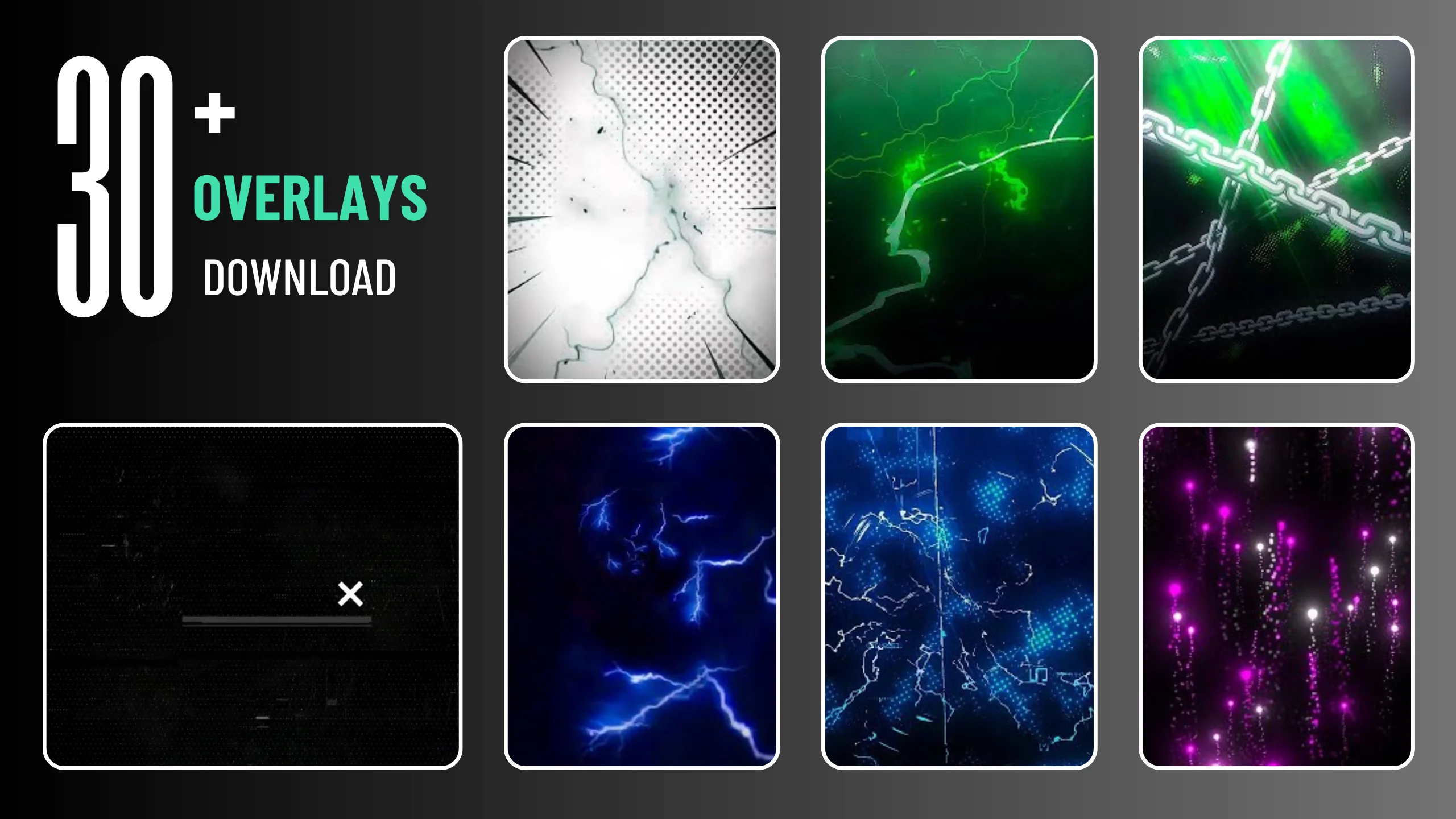
A sample of the effects included — the full pack covers a wider range of looks across all six folders below.
Download the Overlay Packs
Click any pack below to get its download link. Each one unlocks in a few seconds:
How to Use These Overlays
- Drag and Drop: Add the overlay clip above your footage on a new track.
- Set Blend Mode: Screen or Add usually works best for light leaks and particles.
- Trim to Fit: Line the overlay up with cuts or transitions for the biggest impact.
- Layer Sparingly: One or two overlays per scene reads as intentional; more than that gets noisy.
FAQs
Are these overlays free to use?
Yes — free for both personal and commercial video projects.
Which editors do they work with?
Any editor that supports standard video overlays — Premiere, CapCut, DaVinci Resolve, After Effects, and more.
Why are there six separate packs?
Splitting them keeps each folder a manageable size so downloads stay fast, rather than one huge archive.
Why do I have to wait before downloading?
The short wait lets the page display a supporting ad, which is what keeps these packs free to download.